Answer
Mar 22, 2026 - 12:00 AM
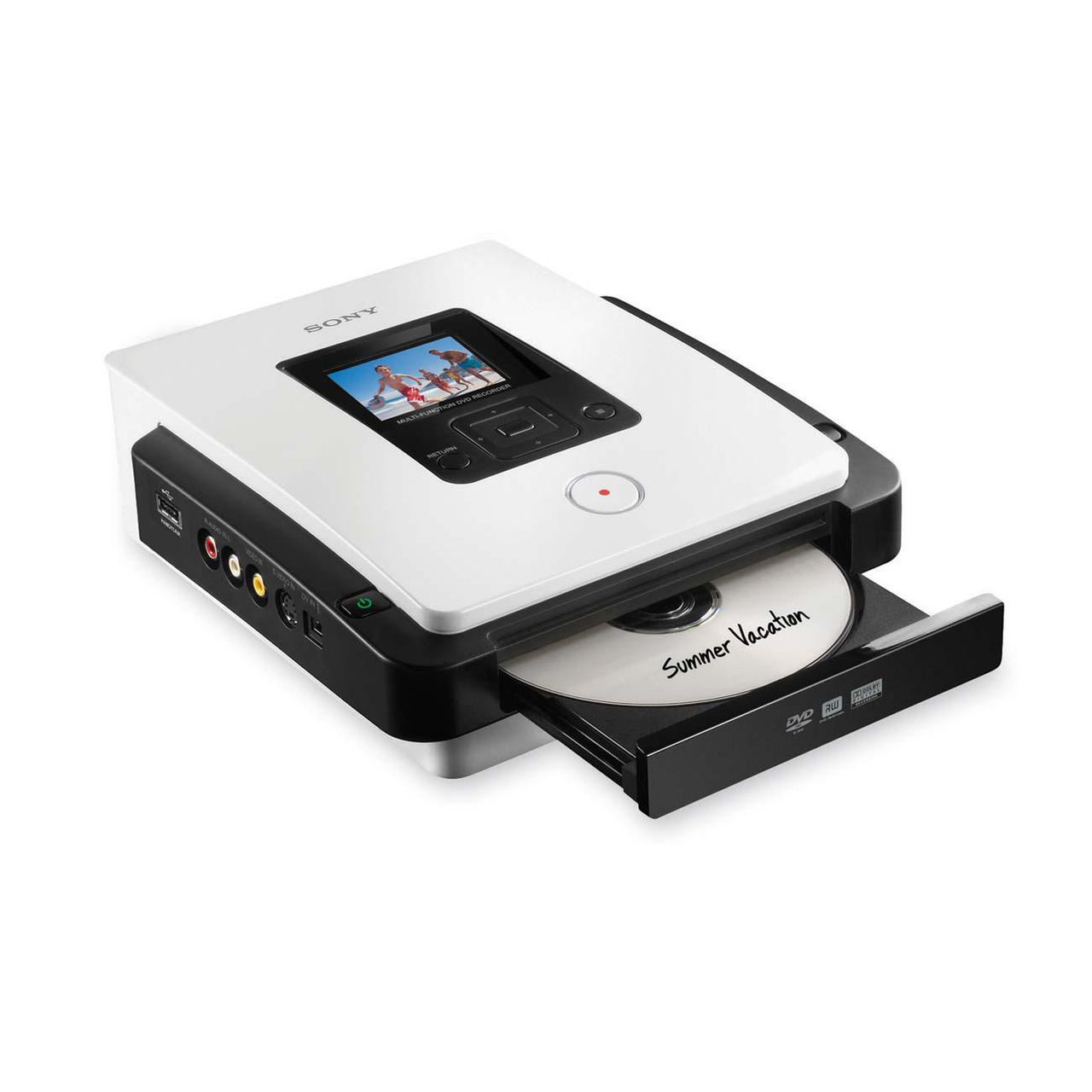
Yes, the Sony VRD-MC5 is a standalone DVD recorder that can capture and transfer VHS tapes to DVD without needing a computer. It is generally well-regarded for VHS-to-DVD transfers, but with some limitations.
Pros of the Sony VRD-MC5 for VHS to DVD Conversion
✅ Standalone Device – No PC required; connects directly to a VCR via composite (RCA) or S-Video.
✅ Real-Time Recording – Directly records onto DVD without extra encoding steps.
✅ Multiple DVD Formats – Supports DVD+R, DVD-R, DVD+RW, and DVD-RW.
✅ Simple Operation – User-friendly interface, ideal for home users.
Limitations & Considerations
⚠ Compression Artifacts – The recorder encodes in MPEG-2 for DVD, which means some quality loss due to compression, though it's generally acceptable.
⚠ No Editing Features – What you record is what you get; no built-in editing tools.
Best Practices for High-Quality Transfers
- Use S-Video instead of composite (RCA) for a sharper picture.
- Use a high-quality VCR (preferably one with a built-in TBC).
- Clean your VHS tapes and VCR heads before transferring.
- Choose SP (Standard Play) mode instead of LP/EP for better video quality.
✅ Good Video Quality – Captures VHS in standard definition (SD) at 480i resolution, which is native to VHS.
⚠ No Built-In TBC (Time Base Corrector) – If your VHS tapes have tracking issues, jitter, or frame skipping, the VRD-MC5 may not fully correct them. Using a VCR with a built-in TBC or an external TBC can improve the transfer quality.
The Sony VRD-MC5 is a solid choice for direct VHS-to-DVD transfers, especially for those who want a simple, no-PC solution. If you’re dealing with older or degraded tapes, consider pairing it with a VCR that has a TBC for better results.