Answer
Jan 12, 2026 - 12:00 AM
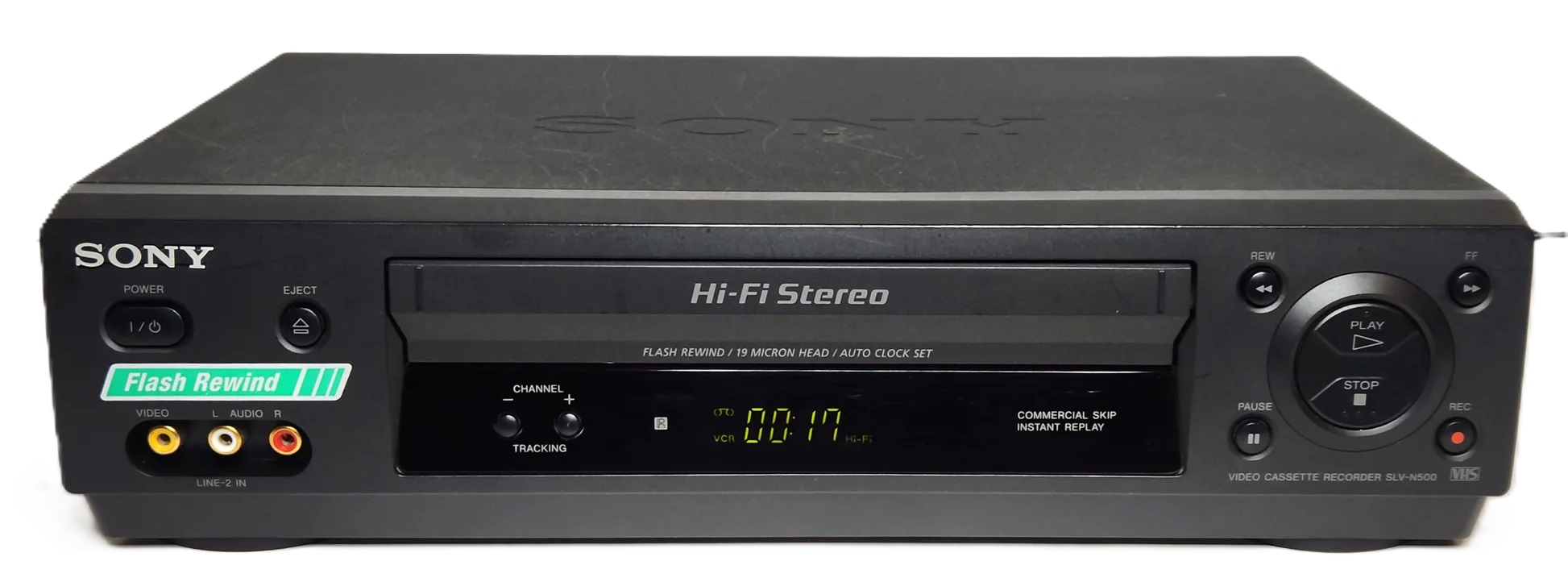
The Sony SLV-N55 VCR supports a few different connection options depending on your TV’s available inputs. Here’s what you’ll need:
1. Composite (RCA) Cables – Most Common
- Cable Type: Yellow (video) + Red/White (audio) RCA cables
- Connection:
- VCR Side: "LINE OUT" (Yellow for Video, Red/White for Audio)
- TV Side: Corresponding "AV IN" ports (Yellow, Red, White)
- Cable Type: Standard coaxial cable (single round connector)
- Connection:
- VCR Side: "RF OUT"
- TV Side: "Antenna In" or "Cable In"
- Note: You need to tune the TV to channel 3 or 4 to watch the VCR output.
- If your TV has RCA inputs (Yellow/Red/White), use the Composite RCA cables for better picture quality.
- If your TV only has a Coaxial (Cable/Antenna) input, use a Coaxial RF cable and set the TV to channel 3 or 4.
- If your TV only has HDMI, you’ll need an RCA-to-HDMI converter to connect the VCR. We sell them here