Answer
Oct 20, 2025 - 12:00 AM
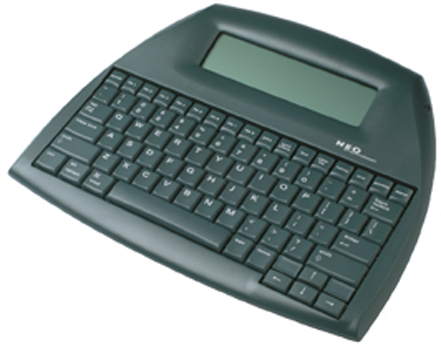
The AlphaSmart Neo word processor does not have built-in support for saving files directly to floppy disks or CD-ROMs. It lacks the necessary hardware interfaces, such as a floppy disk drive, CD burner, or memory card slot, to write files to these media.
Instead, the Neo is designed to store text internally and transfer it to a computer via a USB connection. You can use a standard USB-A to USB-B (printer-style) cable to connect the Neo to your computer. Once connected, you can transfer your files using the AlphaSmart Manager software, which allows you to save the text as standard text files on your computer .