Answer
Sep 29, 2025 - 12:00 AM
How to Turn On Voice Activation (VCVA)
-
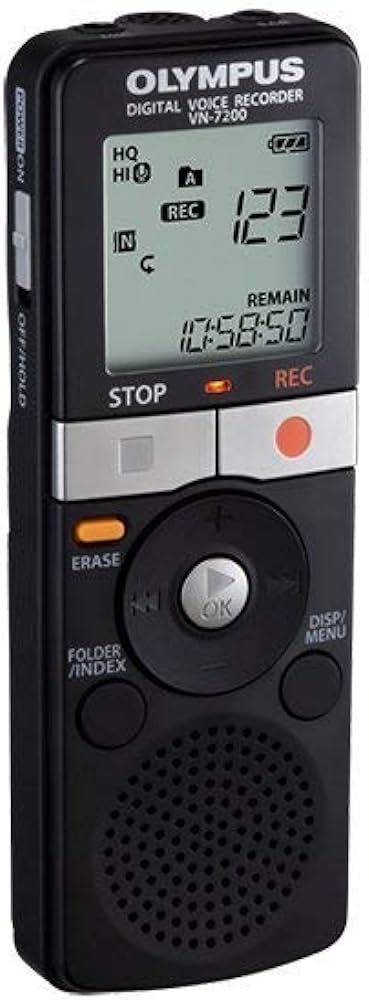
Start with the unit powered on and in Stop mode.
-
Press and hold the DISP/MENU button to enter the menu.
-
Use +/– buttons to scroll the menu and find VCVA (Variable Control Voice Actuator).
-
Press the ► (OK) button to toggle VCVA to ON.
-
Press STOP to exit the menu and save the setting.