How to slow down play back speed of a recording?
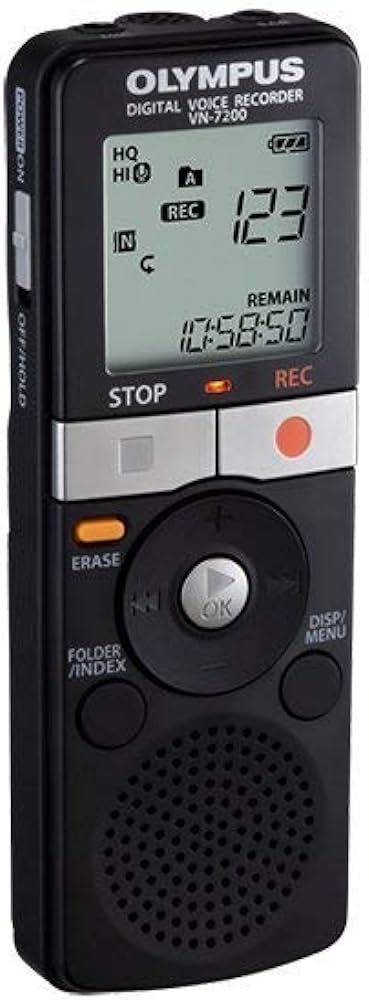
Olympus VN-7200 Digital Voice Recorder (Black)
How to slow down play back speed of a recording
Status:
Open Aug 02, 2025 - 12:00 AM
1answer
Answer
Aug 02, 2025 - 12:00 AM
-
Press the Play button to start playing your recording.
-
While it’s playing, press the Play button again to open the playback speed setting.
-
Use the plus (+) or minus (–) buttons to adjust the speed.
-
Press Play again or wait a few seconds to confirm your selection.
-
The recorder will keep this speed setting until you change it again.
View More Product Details
Olympus VN-7200 Digital Voice Recorder (Black)
The Olympus VN-7200 combines simple operation with long recording capacity, making it a reliable choice for students, professionals, and anyone who needs to capture clear audio on the go. With up to 1,151 hours of recording time, multiple recording modes, and easy playback, this digital voice record...
See More
View all Olympus VN-7200 Digital Voice Recorder (Black) Questions & Answers