Answer
Jul 22, 2025 - 12:00 AM
How to Program Your Bose Music System:
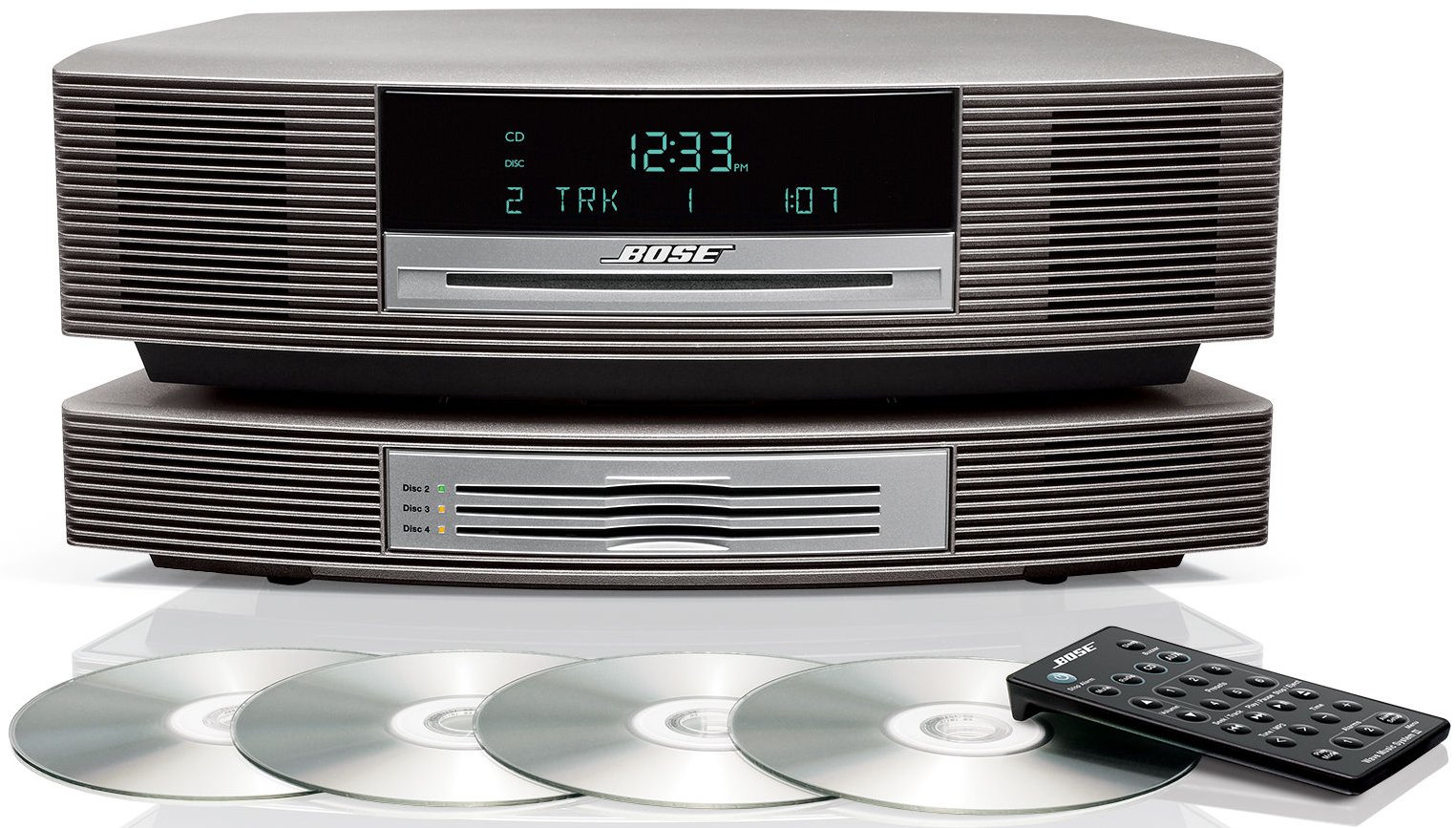
Follow these steps to set up, program, and operate your Bose Wave Music System and Multi-CD Changer.
Setup Instructions:
-
Place the unit on a flat, stable surface.
-
Connect the AC power cord to the main unit and then plug it into the wall outlet.
-
Connect the Multi-CD Changer using the Bose Link cable (from changer to the main Wave unit).
-
Plug in the changer’s power cord. “PLEASE WAIT” will appear on the display during startup.
-
Attach the FM/AM antenna if included.
-
Ensure you have the correct Bose remote control for your unit.
Loading and Playing CDs:
Insert one CD (label side up) into the main slot on the Wave unit.
Load additional discs into the Multi-CD Changer (slots labeled Disc 2, Disc 3, Disc 4).
Press the CD button to enter CD mode.
Use the Disc or Disc Skip button on the remote to switch between discs.
If a CD is stuck, unplug the system for 30 seconds, plug it back in, wait for “PLEASE WAIT” to disappear, and try ejecting again.
Clock and Alarm Programming:
Press the Time < or Time > buttons to set the correct time.
To switch between 12-hour and 24-hour format: turn the system off, then press and hold the Alarm Set button while pressing On/Off.
Set the alarm using the Alarm 1 or Alarm 2 button, then choose source (Radio / CD / Buzzer) and desired wake-up time.