Answer
May 09, 2025 - 12:00 AM
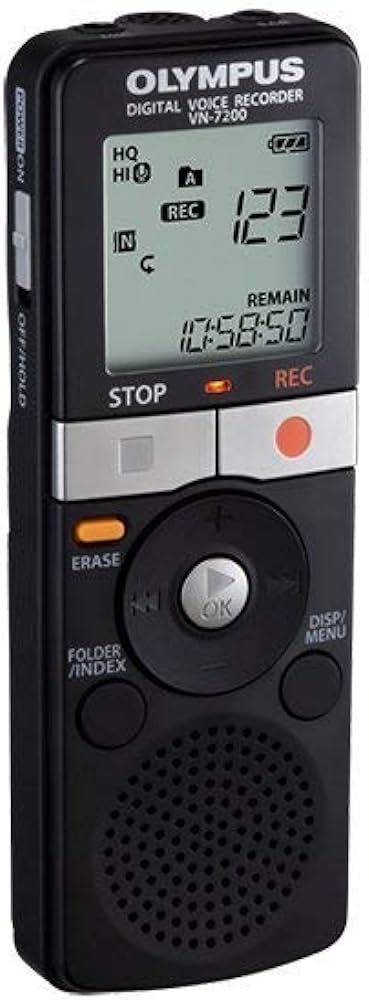
To change the recording speed (recording mode) on the Olympus VN-7200 Digital Voice Recorder, you need to change the REC MODE setting.
Steps to Change Recording Speed
Press the MENU button.
Use the + or – buttons to scroll until you see REC MODE.
Press PLAY/OK to select it.
Use the + or – buttons to choose the recording quality/speed.
Press PLAY/OK again to confirm.
Press STOP to exit the menu.
Recording Mode Options
HQ (High Quality) – Best sound quality, larger file size.
SP (Standard Play) – Balanced quality and recording time.
LP (Long Play) – Longest recording time, lower sound quality.
Higher quality modes record more audio detail but use more memory, while LP allows longer recordings with reduced clarity.