Answer
May 06, 2025 - 12:00 AM
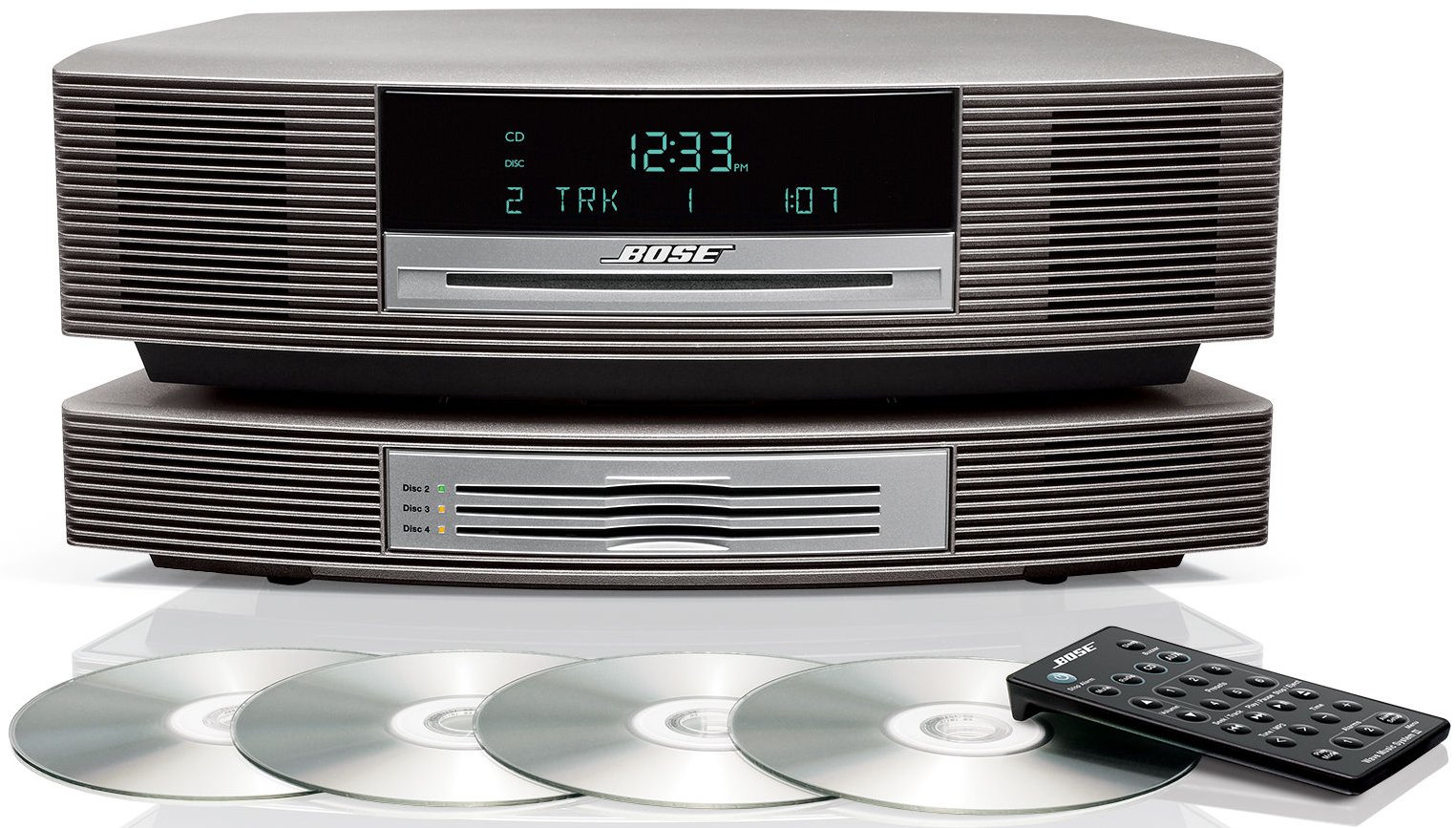
The Bose Wave Music System with Multi-CD Changer (Titanium Silver) can play sound from your TV, but it does not connect directly like a modern soundbar. Instead, the TV audio must be connected to the AUX input on the Bose system.
Method 1 – Using the AUX Input
Locate the AUX IN jack on the back of the Bose Wave Music System.
Connect a 3.5 mm stereo audio cable from the TV’s headphone jack or audio output to the Bose AUX IN port.
Turn on the Bose system.
Press the AUX button on the Bose remote control.
Your TV audio should now play through the Bose speakers.
Method 2 – If the TV Only Has Optical Audio Output
If your TV only has an optical (digital) audio output, you will need an optical-to-analog DAC converter.
Connect the TV optical output to the DAC converter using an optical cable.
Connect the DAC converter output to the Bose AUX input using an RCA-to-3.5 mm cable.
Select AUX on the Bose remote to hear the TV sound.