Answer
Apr 28, 2025 - 12:00 AM
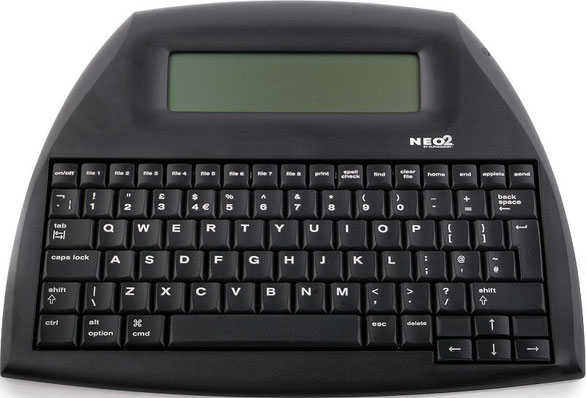
This device does not connect to WiFi. It is a distraction-free word processor with no internet capability.
To transfer documents, you connect the Neo2 to your computer using a standard USB cable. Once connected, you simply open a Word document (or any text program) on your computer and press the “Send” button on the Neo2. The text will automatically transfer by “typing” itself into your open document.
There is also an optional wireless feature, but it requires a separate Renaissance receiver and software, which are not commonly used.