Answer
Jan 27, 2025 - 02:07 PM
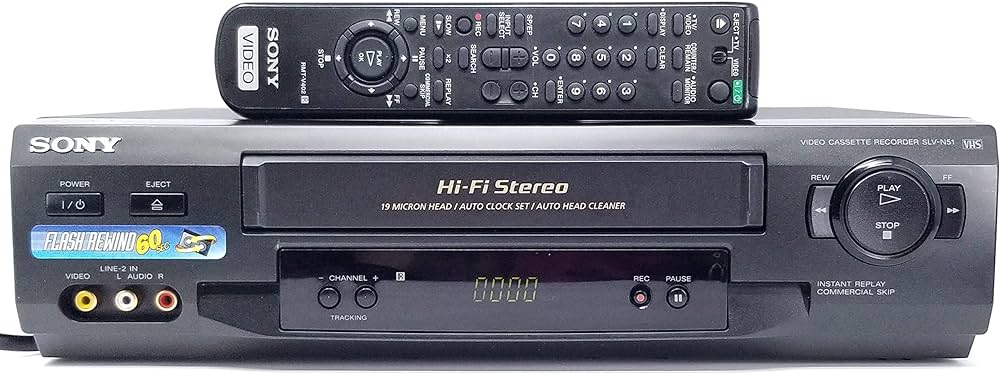
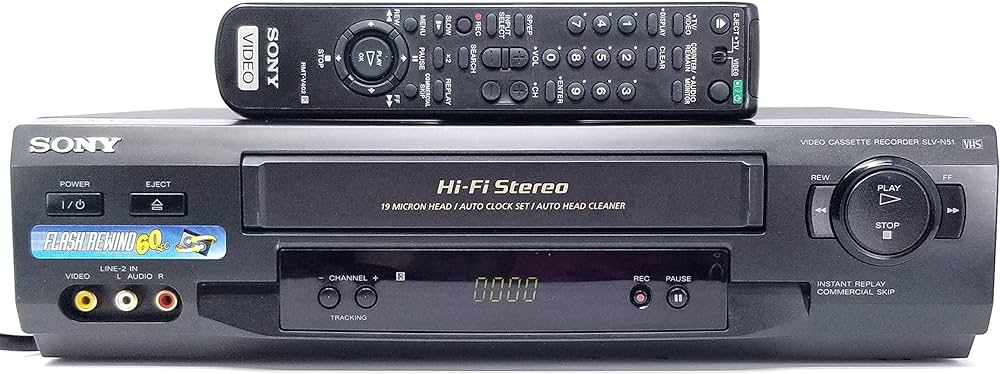
Yes, the Sony SLV-N51 4-Head Hi-Fi VCR with Tuner includes a timer recording feature, allowing you to schedule recordings for future dates and times.
Programming Options:
- Number of Programs: You can program up to 8 events for future recording.
- Time and Channel Settings: Specify the channel, start time, and stop time for each event. Recordings can be scheduled as one-time events or on a recurring basis, such as daily or weekly.
- On-Screen Programming: The VCR features an on-screen menu system that makes programming straightforward. The remote control is required to access these settings.
Steps to Program a Recording:
- Turn on the VCR and TV and set the TV to the VCR’s input.
- Press the Timer or Menu button on the remote to access the programming menu.
- Select Timer Recording.
- Enter the channel, recording date, start time, and end time. Select a recurring option, such as daily or weekly, if desired.
- Save your settings.
- Insert a blank VHS tape with enough available recording time.
- Turn off the VCR or leave it in standby mode so the recording can begin at the scheduled time.
Tips:
- Double-check the VCR’s clock settings to ensure accurate recording times.
- Use a high-quality VHS tape for the best recording and playback results.
This feature allows you to record programs or events even when you are not available to start the recording manually.