Answer
Jan 27, 2025 - 02:01 PM
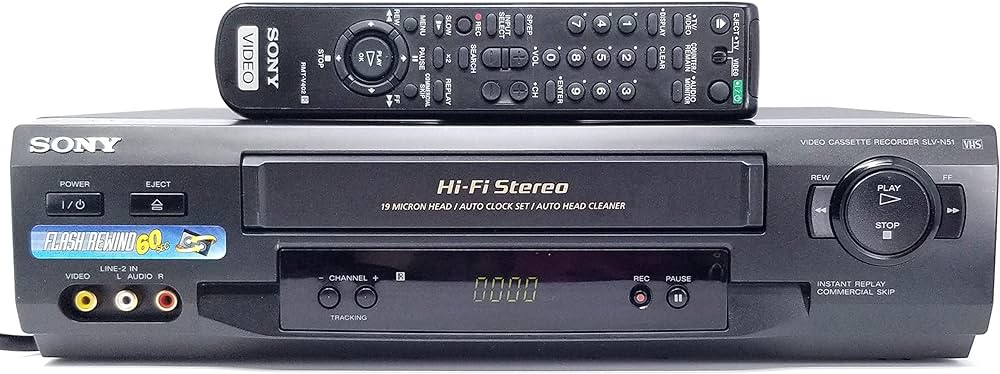
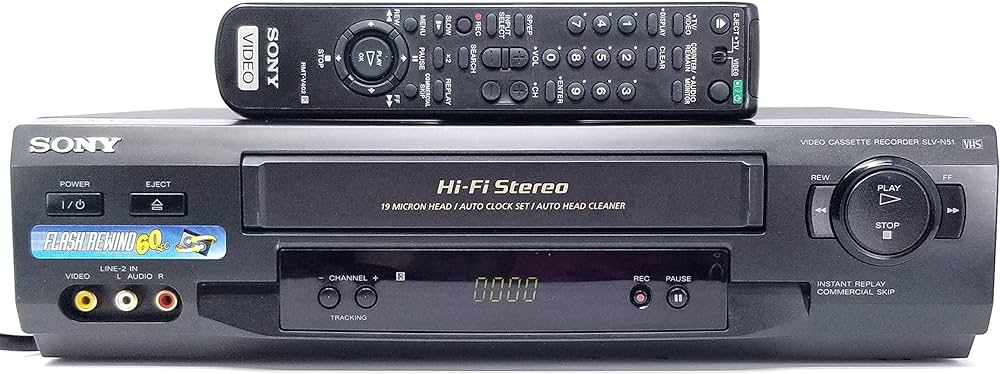
The Sony SLV-N51 4-Head Hi-Fi VCR does not have an HDMI output because it predates the widespread adoption of HDMI technology. Instead, it uses the following analog connections:
- RCA Composite Output: Yellow for video and red and white for audio.
- RF Output: Connects to a television using a coaxial cable.
Connecting to a Newer HDMI TV:
To connect the Sony SLV-N51 to a newer television that only has HDMI inputs, you will need a composite-to-HDMI converter.
What You’ll Need:
- Composite-to-HDMI Converter: Converts the analog RCA signal to a digital HDMI signal. Make sure the converter supports both video and audio and outputs a resolution supported by your television, usually 720p or 1080p.
- RCA Cables: Connect the VCR to the converter.
- HDMI Cable: Connect the converter to your television.
Connection Steps:
- Connect the RCA cables to the corresponding outputs on the VCR: yellow for video and red and white for audio.
- Connect the other ends of the RCA cables to the inputs on the converter.
- Use an HDMI cable to connect the converter to an HDMI input on your television.
- Turn on the converter, VCR, and television.
- Set the television to the appropriate HDMI input to view the VCR’s output.
Notes:
- VHS playback will remain standard definition because VHS resolution is considerably lower than modern HD video.
- If your television has composite or RF inputs, you can connect the VCR directly without using a converter.